
Live Sync
Reads the current track and pulls the album art the instant you skip or queue something new.
For macOS 15+ · Apple Music + Spotify
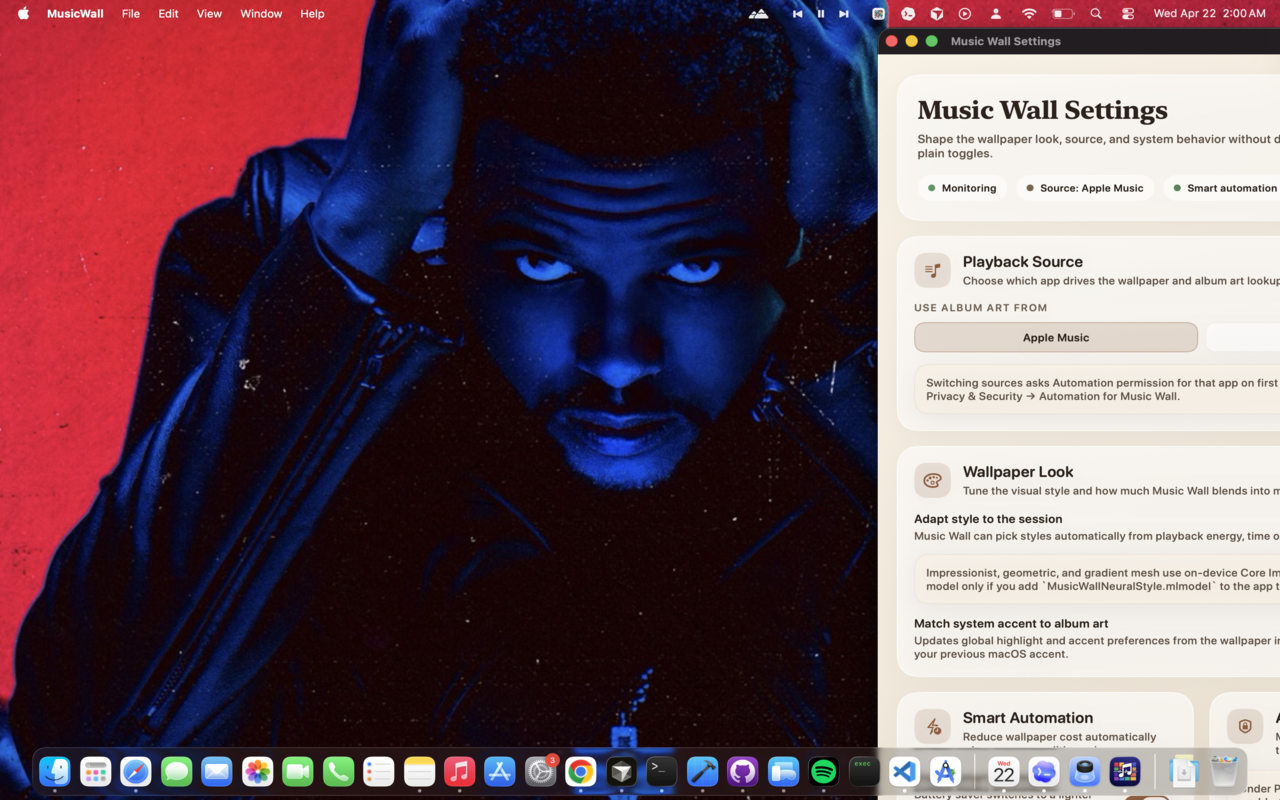
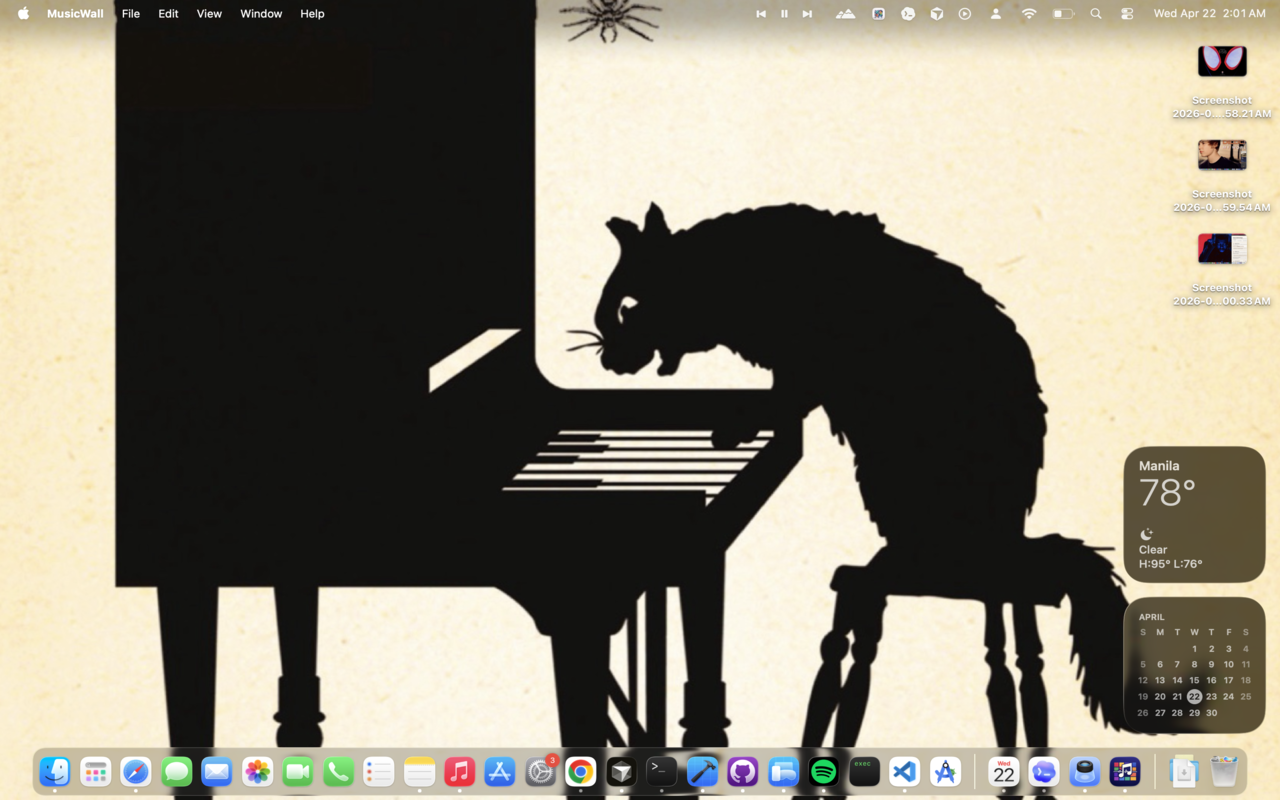
Music Wall sets your Mac desktop wallpaper from the track you're playing. Album art, optional motion, frosted glass, and a vinyl widget — in step with Apple Music or Spotify.
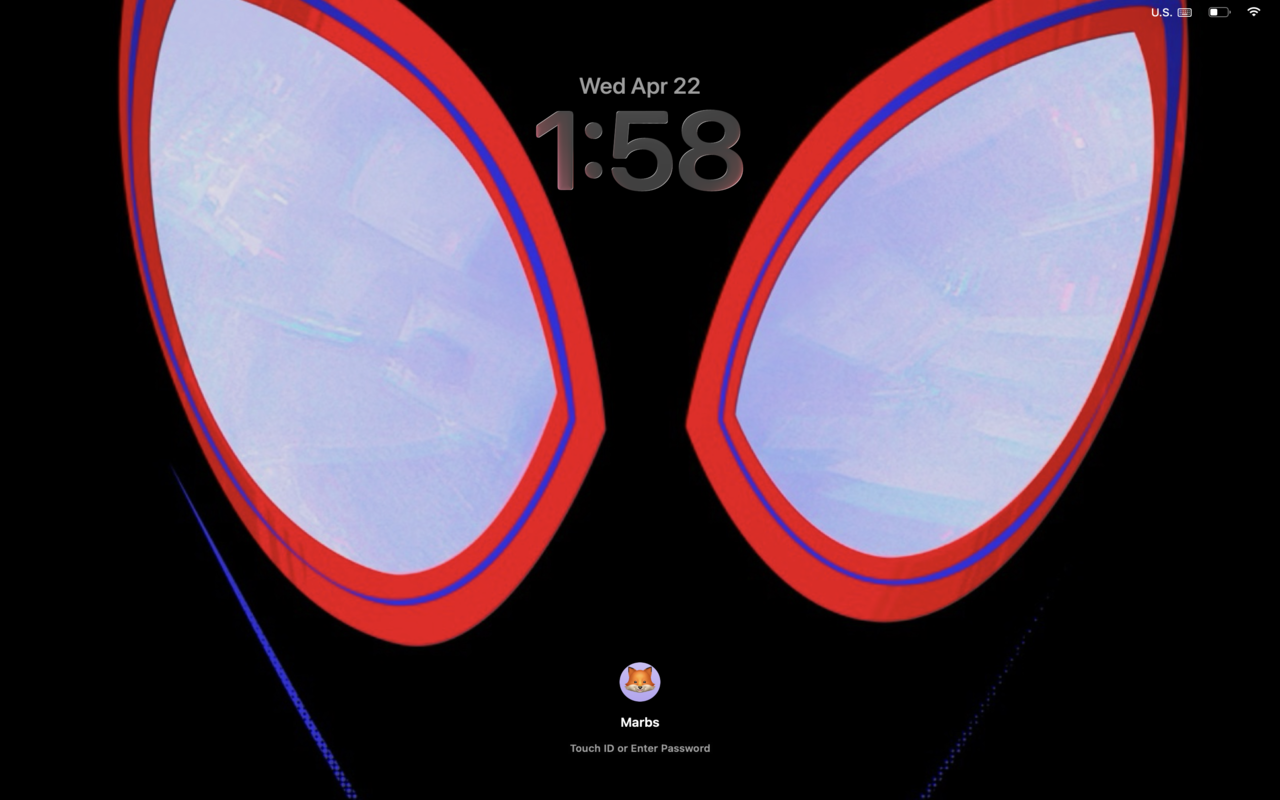
It updates the moment a new track starts.
Social proof
Shipped in the Music category, built for privacy, priced for individuals. Pricing may vary by region.
A look around
Wallpapers, widgets, glass, vinyl. Swipe through the gallery.
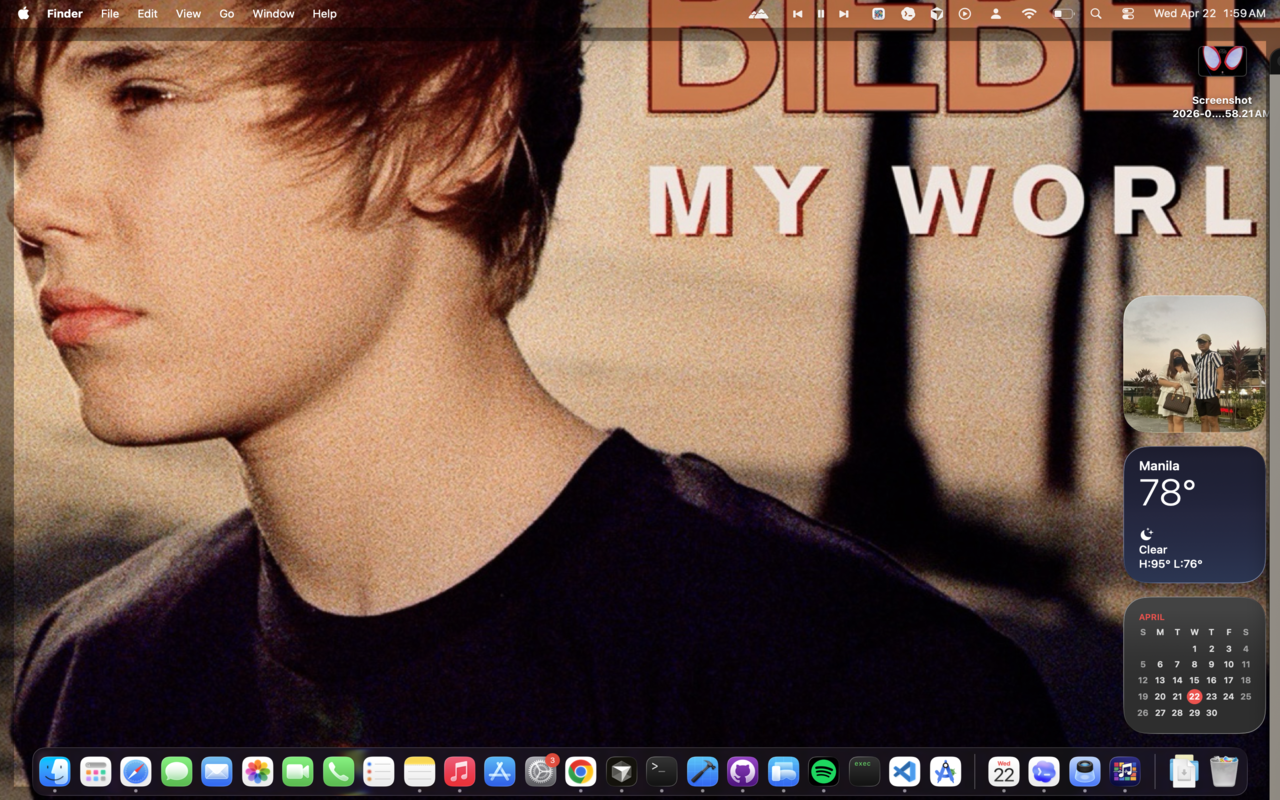
Built for music
Reads the current track and pulls the album art the instant you skip or queue something new.
Original, frosted glass, impressionist, gradient mesh, neon glow, duotone — pick a vibe or let it adapt.
Subtle motion that reacts to playback — center zoom, color shift, or radial pulse rings. Static mode too.
First-class App Intents. Refresh wallpaper, toggle Live mode, automate from Shortcuts or Stream Deck.
Drop a spinning vinyl on the desktop or a minimal Now Playing glass card. They live behind your windows.
When the music stops, your original wallpaper comes back — including your lock screen.
Battery-aware. On battery or Low Power Mode it eases off resolution and motion to save your laptop.
Optionally mirrors the album art to your macOS lock screen so the vibe carries over when you step away.
Roadmap
A quick look at the features already in motion and the ones still on deck.
Available now with motion-reactive wallpaper modes.
Not planned for the current release roadmap.
Still pending and not part of the current shipped set.
Three steps
Grab it from the Mac App Store. It's a tiny menu-bar app — no dock clutter.
One quick prompt under Privacy & Security so Music Wall can read what's playing.
Open Apple Music or Spotify and start a song. Your desktop transforms instantly.
The fine print
Free to try. No account. No tracking.
Download for Mac